AI Prompt Library
Writing a good prompt is all about clarity and structure. A well-crafted prompt helps Copilot (or any AI assistant) understand exactly what you want and deliver the best possible output.
What is an AI Prompt Framework?
An AI prompt framework is a simple structure that helps you write better instructions (prompts) when using AI tools such as Copilot Chat.
Think of it as a template for asking good questions.
Just as healthcare staff use frameworks such as SBAR (Situation, Background, Assessment, Recommendation) to communicate clearly, prompt frameworks help people communicate clearly with AI.
Without a framework, you might type: "Help me with staff wellbeing."
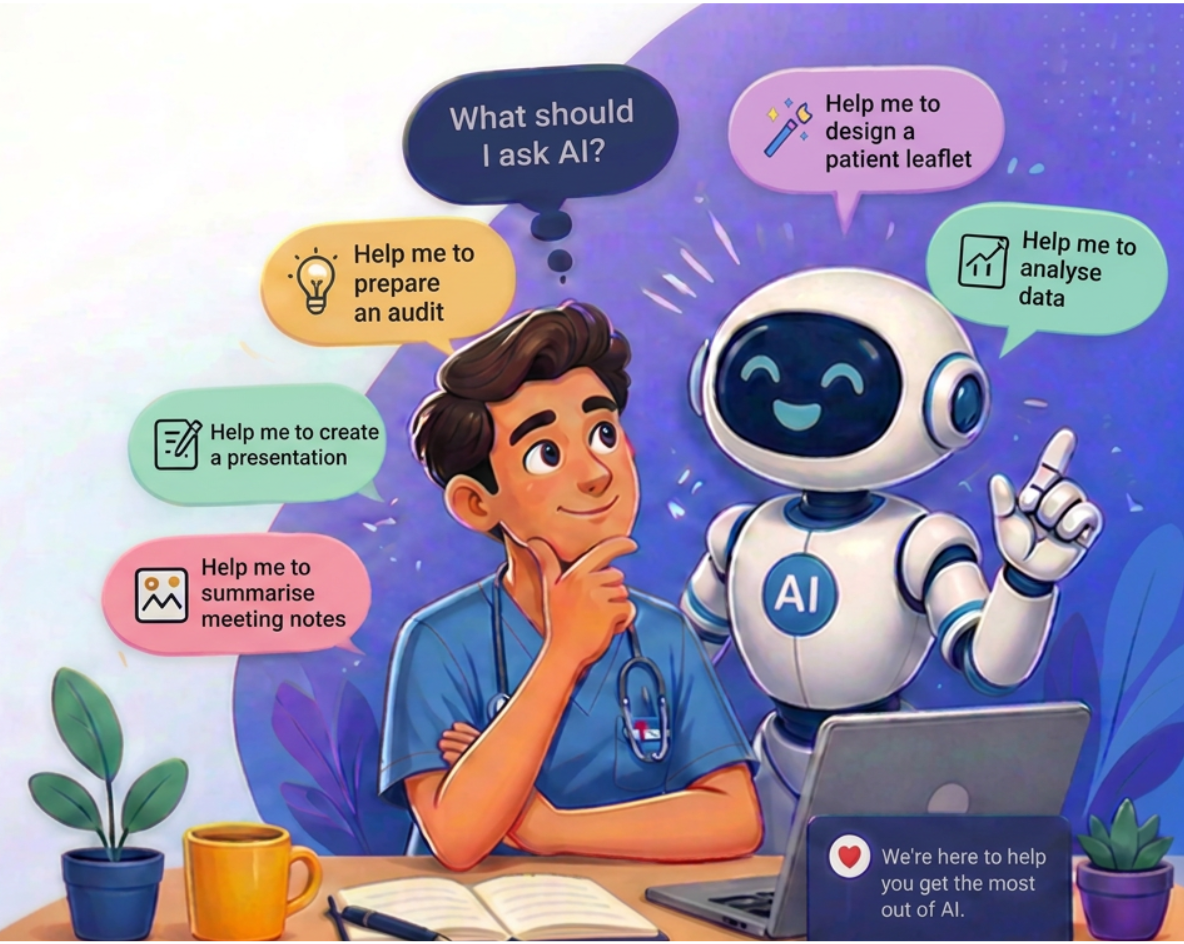
With a framework, you provide more context: "Act as a wellbeing adviser. Create a 3-month wellbeing improvement plan for a ward team experiencing high sickness absence. Include practical actions, measures of success, and communication messages."
The second prompt gives Copilot much more information, resulting in a more useful response.
Prompt with purpose! Here are a few framework examples that you can try:

- GCSE
Microsoft's preferred framework for Copilot and Microsoft 365 work tasks.
G = Goal (what you want Copilot to do?)
C = Context (why you need it?)
S = Source (what information to use)
E = Expectations (how the output should look)
Example:
Goal: Help me prepare for my monthly ward team meeting.
Context : I manage a hospital ward. I need to discuss staffing, sickness absence, patient feedback and service improvements.
Source: Here are the key facts:
- Staff sickness rate this month: 6.5%
- Two Band 5 vacancies remain unfilled
- Friends and Family Test score improved from 88% to 92%
- Staff have reported concerns about annual leave requests
- A new electronic observation system will be introduced next month
Expectations: Create a meeting agenda, key discussion points, likely staff questions and suggested responses. Finish with a simple action plan.
Why it works:
- Clearly state the Goal.
- Provide detailed Context about the task and audience.
- Tell Copilot exactly which Sources to use.
- Define Expectations for the output format and level of detail.
This usually produces much better results than simply asking,"Summarise this report" or"Help me prepare for my meeting."
- ROLE
The ROLE prompt framework is a simple way to help Copilot Chat give a more relevant answer by clearly telling it what perspective to take.
It is especially useful for NHS staff who are new to prompting because it gives Copilot a clear job to do.R = Role (Tell Copilot what role to take)
O = Objective (Explain what you want to achieve)
L = Level of detail (Say how detailed, brief, formal or practical you want the answer to be)
E = Expected output (Tell Copilot what format you want, such as bullet points, checklist, email, script or action plan)
Example:
Role: Act as an experienced NHS people manager and workplace wellbeing coach.
Objective: Help me prepare for a team discussion about sickness absence. I want the discussion to be supportive, fair and focused on wellbeing, while also reminding staff of the importance of safe staffing and following the Trust’s absence reporting process.
Level of detail: Keep it practical and easy to say out loud. Use a calm, supportive tone. Avoid legal jargon.
Expected output: Please give me:
- A short opening script for the meeting
- Five key points to cover
- Three supportive questions I could ask staff
- A brief closing statement
Why this works:
Role tells Copilot to respond like a people manager and wellbeing coach.
Objective explains the workplace task clearly.
Level of detail controls tone and complexity.
Expected output asks for usable meeting content, not a long essay. - ROCKS
The ROCKS framework is a simple way to structure prompts so Copilot provides more useful, tailored responses. Clear and practical good for most workplace tasks.
R = Role (Who should Copilot act as?)
O = Objective (What are you trying to achieve?)
C = Community (Who is the audience?)
K = Key Details & Knowledge (What background information, constraints or requirements should Copilot know?)
S = Shape (What format should the response take?)
Example:
Role: Act as a clinical educator supporting postgraduate medical education.Objective: Help me prepare a teaching session on recognising and managing sepsis in adults.
Context: The audience is foundation year doctors working in an acute hospital setting.
Key Details:
- Include key warning signs and escalation triggers
- Suggest interactive discussion questions
- Recommend a simple session structure lasting 30 minutes
- Include common learning points and mistakes to avoid
- Do not provide patient-specific advice
Style:
Create a session plan with clear headings and bullet points.
Why this works:
Role focuses Copilot on education and learning.
Objective clearly states the task.
Context tells Copilot who the audience is.
Key Details define what success looks like.
Style produces a ready-to-use session outline rather than generic information. - CLEAR
Good for high-quality professional outputs e.g reports, briefings, business cases.
C = Concise. (Keep your language short and direct. Cut out filler words and polite phrases like "please" or "thank you" to give the AI direct instructions)
L = Logical. (Put your thoughts in a sensible, step-by-step order. Group related ideas together so the AI can follow your workflow. Put your thoughts in a sensible, step-by-step order. Group related ideas together so the AI can follow your workflow)
E = Explicit. (State exact rules for the output. Tell the AI the exact format, length, role, tone, or reading level you need)
A = Adaptive. (Be ready to change your prompt if the first answer isn't right. Break big questions into smaller pieces or rephrase your goal)
R = Reflective. (Check the AI's final work carefully. Look at the facts and decide how you can write a better prompt next time)
Example:
A departmental manager is preparing for an upcoming CQC inspection and wants staff to feel confident, informed and prepared.
Context: Our department has been notified of a forthcoming CQC inspection. Staff are anxious about what inspectors may ask and what evidence they may need to provide.
Language: Positive, supportive and confidence-building.
Expectation: Help staff understand what to expect, reduce anxiety and encourage good preparation.
Audience: Clinical and non-clinical staff working within the department.
Result: Produce a team briefing including key messages, preparation actions and FAQs.
Why this works:
Context gives Copilot a specific operational challenge.
Language ensures the briefing is reassuring rather than alarming.
Expectation focuses on staff engagement and preparation rather than simply describing the inspection process.
Audience ensures the message is relevant to both clinical and non-clinical colleagues.
Result specifies a practical output that can be shared directly with the team. - APE
Simple framework for beginners and everyday tasks.
A = Action
P = Purpose
E = Expectation
Example:
Action:Create a communication and engagement plan for introducing a new process that requires ward teams to complete patient safety huddles at the start of each shift.
Purpose: The aim is to improve team communication, identify safety risks earlier, and increase consistency across wards.
Expectations: Provide key messages for staff
- Likely concerns and suggested responses
- A week-by-week implementation timeline for the first month
- Suggestions for measuring success
- The output should be written in clear, practical language suitable for NHS managers.
Why this works:
Action clearly tells Copilot what needs to be produced.
Purpose explains the organisational goal behind the request, helping Copilot tailor recommendations.
Expectations specify the required sections and level of detail, resulting in a more useful output that can be applied immediately.
Try Copilot Chat
Select the button below to copy a beginner-friendly Copilot prompt. Then paste it into Microsoft 365 Copilot Chat.